
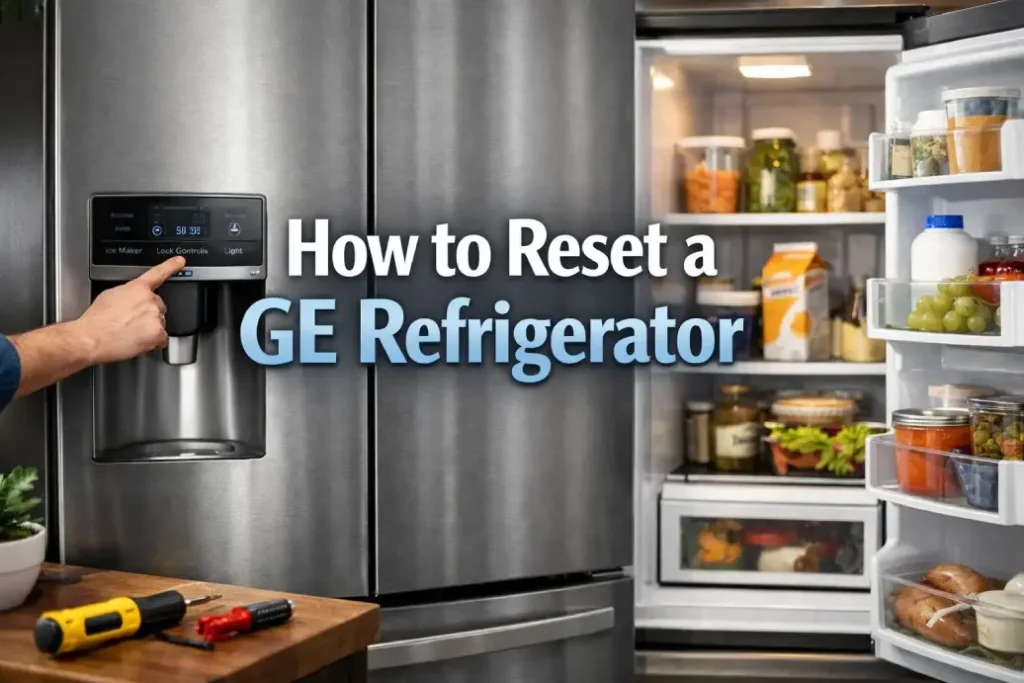
If your GE fridge is glitching (panel stuck, weird beeps, weak cooling, ice maker not working), start with a reset. It fixes many minor electronic errors after power outages or random system hiccups.
Fast Reset (Works for Most GE Refrigerators)
Steps:
- Unplug the refrigerator (or switch off the breaker).
- Wait 5 minutes.
- Plug it back in (or turn the breaker on).
- Wait 5–10 minutes before changing settings so the system stabilizes.
Result: control board reboots + compressor logic restarts.
Control Panel “Hard Reset” (If Display Is Frozen)
Use this when the screen is stuck or buttons don’t respond.
Steps:
- Do the power reset above.
- After power returns, wait 1–2 minutes for the panel to boot.
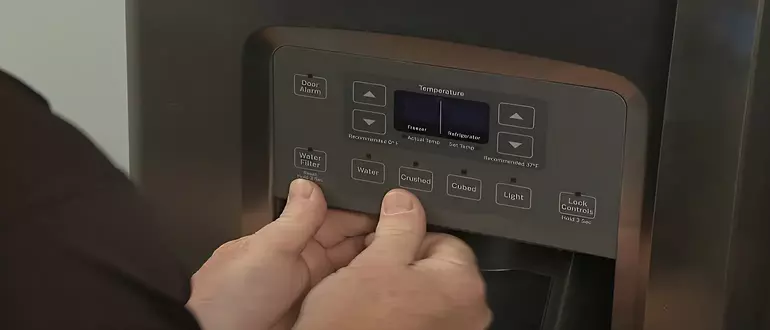
- If it’s still frozen, you likely need the model-specific button combo (varies by GE series).
Ice Maker Reset: GE Profile (3 Working Methods)
Try in this order.
Method 1 — Reset Button
- Find the reset button on the control panel/ice maker area.
- Hold 3–5 seconds.
- Let it cycle once before testing.
Method 2 — Switch Off/On
- Turn the ice maker OFF (shut-off switch).
- Wait 15–30 seconds.
- Turn ON and wait for the cycle.
Method 3 — Paddle / Feeler Arm (3 pushes)
- Turn ice maker OFF.
- Wait 30–60 seconds.
- Turn ON.
- Immediately push the paddle/feeler (bail) arm up 3 times.
- Wait for the cycle.
If the GE Refrigerator Is Not Cooling Enough (After Reset)
Quick checklist
- Temperature setting: set one step colder (dial/digital) or 1°F/1°C colder (actual temp models).
- New install: allow 24 hours to fully stabilize.
- Door issues: remove items blocking closure; check gasket seal.
- Leveling: front should be slightly higher so doors self-close.
- Airflow: move tall items away from back vents.
- Room temp: avoid locations below 60°F or above 110°F.
- Interior light: make sure it turns off when the door closes (light staying on adds heat).
- Diagnostic mode after service: disconnect power for 30 seconds and restore.
What to Do Based on the Symptom
| Symptom | Best first action | What to check next |
|---|---|---|
| Control panel frozen / not responding | Power reset (unplug 5 min) | Model-specific panel reset combo |
| Fridge runs but not cold enough | Power reset + set temp colder | Door seal, airflow, room temp, condenser condition |
| After outage: odd behavior | Power reset | Wait for stabilization, then re-check temps |
| Ice maker stopped | Ice maker reset methods 1→3 | Water line/filter pressure, ice jam, bail arm |
| Recently serviced, cooling weird | Power reset 30 sec | Diagnostic mode still active |
Most Common Reasons a Reset Won’t Help
- Water supply problem (filter clogged, low pressure, frozen line)
- Ice jam / heavy buildup
- Stuck bail arm (ice maker thinks bin is full)
- Mechanical failure (motor/gears/ejector)
- Electrical/control board issue
- Sensor malfunction
If the issue returns right after every reset, it’s usually not a “software glitch” anymore—it’s a cause you need to fix (often water/ice/airflow/doors).