
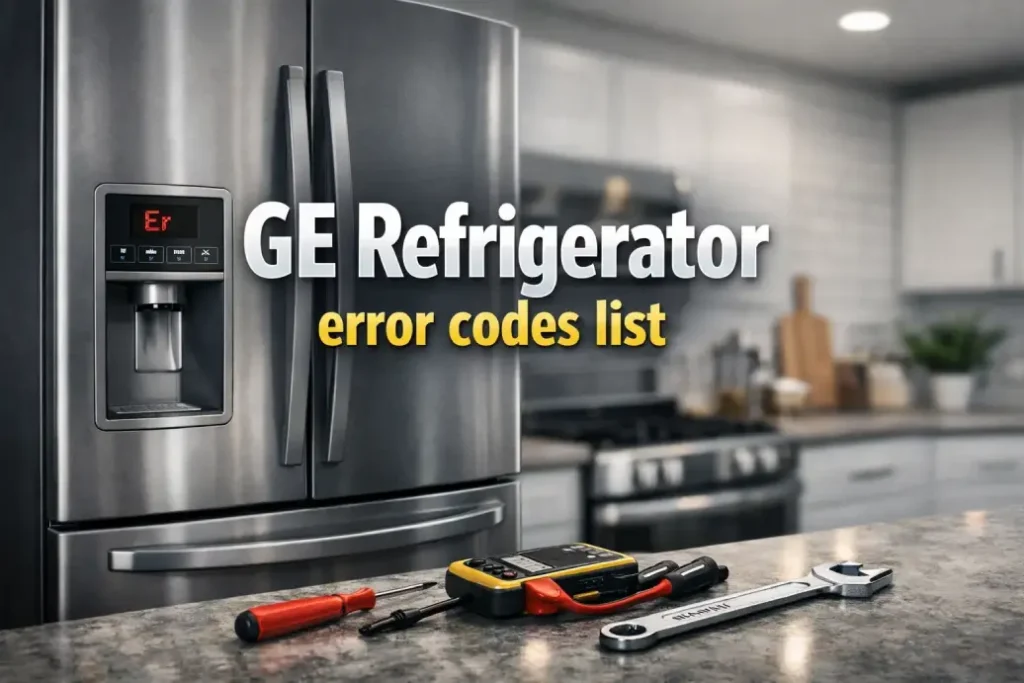
| Fault Code | Rewritten definition |
|---|---|
| FF | Food in the freezer may be softening — the freezer temperature is climbing higher than it should. Check for thawing and investigate why cooling is dropping. |
| PF | A power interruption was detected. The refrigerator lost electrical power (outage, loose plug, tripped breaker) and then restarted. |
| CI | Ice maker check: the unit is flagging the ice maker system. Verify the ice maker is operating normally (cycle, fill, bin sensing). |
| DE | Demo Mode is enabled: lights and controls work, but cooling is disabled. To turn it off, unplug the refrigerator for 1–2 minutes and plug it back in. If the code remains, you’ll need the model number for support. |
| dE | Defrost warning: the refrigerator reports the defrost system hasn’t run correctly within the last 24 hours. Expect frost buildup and reduced airflow if it persists. |
| CC | Temperature control/setting alert: the refrigerator temperature is not matching the target. Review temperature settings and check for airflow or sensor-related issues. |
Why GE Refrigerators Show Fault Codes
GE refrigerators monitor key components with sensors and control boards. When something falls outside normal operation—like a temperature drifting upward or a defrost cycle not completing—the refrigerator may display a code to help you troubleshoot faster.
In many cases, an error code doesn’t mean the unit is “dead.” It means the refrigerator detected a condition that may reduce cooling performance, impact ice production, or risk frost buildup.

Quick Troubleshooting Tips by Error Code
FF — Freezer temperature rising
What it usually means: The freezer isn’t holding temperature as well as it should.
What to check first:
- Confirm the freezer door closes fully and seals tightly (no gaps, no torn gasket).
- Make sure vents aren’t blocked by food packages (airflow matters).
- Check for heavy frost on the back wall or inside vents (could indicate defrost/airflow issues).
- Give the refrigerator time after a large grocery load—new warm items can temporarily raise temps.
Food safety note: If items are softening or partially thawed, move sensitive foods (ice cream, meat, seafood) to another freezer if available.
PF — Power interruption detected
What it usually means: The refrigerator lost power and then restarted.
What to check first:
- Make sure the plug is firmly seated in the outlet.
- Check the circuit breaker (or fuse) for a trip.
- If you use an extension cord or power strip, remove it—plug directly into the wall outlet.
- If PF happens repeatedly, consider voltage fluctuations in the home or a failing outlet.
Tip: After a power interruption, allow several hours for temperatures to stabilize again.
CI — Ice maker check
What it usually means: The refrigerator is flagging the ice maker system.
What to check first:
- Confirm the ice maker is turned ON (some models have a switch/setting).
- Ensure the water supply valve is open and the water line isn’t kinked.
- If the bin is full or jammed, clear it and re-seat the bin properly.
- Listen for fill/cycle activity (some models are quieter than others, but you may hear a brief water fill).
If you recently replaced a water filter: An air pocket or incorrect seating can reduce flow—re-seat the filter and run water to purge air.
DE — Demo Mode enabled (cooling off)
What it usually means: The refrigerator is in showroom/demo mode—lights and controls work, but cooling is disabled.
What to check first:
- Unplug the refrigerator for 1–2 minutes, then plug it back in.
- If the code returns, gather your model number and contact support or a qualified technician.
Important: If your fridge is warm but the display looks normal, Demo Mode is a top suspect.
dE — Defrost warning (defrost didn’t run correctly)
What it usually means: The defrost system hasn’t completed properly within the last 24 hours.
What to check first:
- Look for frost buildup or reduced airflow (weak cooling, warmer temps, uneven temperatures).
- Make sure doors aren’t being left open or frequently opened for long periods.
- Check that vents are not blocked and that interior airflow seems normal.
Why it matters: When defrost problems persist, frost can block airflow and make the refrigerator work harder—leading to warmer temperatures and possible compressor strain.
CC — Temperature control/setting alert
What it usually means: The refrigerator temperature isn’t matching the target setting.
What to check first:
- Confirm temperature settings haven’t been changed accidentally.
- Ensure airflow vents aren’t covered by food.
- Check door seals and confirm doors fully close.
- Allow time after loading many warm groceries—temps may temporarily drift.
If CC persists: It may point to airflow restrictions, sensor issues, or other cooling-system problems that may require service.
When to Call for Service
Consider contacting service (with your model number ready) if:
- The same code returns repeatedly after basic checks.
- Cooling performance is clearly worsening (warm fridge/freezer, soft ice cream, spoiled food).
- You see heavy frost buildup or hear unusual noises (clicking, repeated restarting).
- Demo Mode (DE) won’t disable after power cycling.
Record the Code and Conditions
Before you reset anything, note:
- The exact code (case matters: DE vs dE)
- Whether the freezer or fridge is warm
- Any recent changes (power outage, filter replacement, moving the unit, large grocery load)
This helps you troubleshoot faster—and makes service support much more efficient if you need it.